

Ready to move to the newest version? This guide walks you through how to upgrade to Laravel 13 step by step – from Laravel 11 or 12 – in about ten minutes. Laravel 13 (released March 2026) keeps breaking changes to a minimum, so for most apps the upgrade to Laravel 13 is quick, safe, and well worth it for the new AI SDK, vector search, and security improvements.
Why Upgrade to Laravel 13?
Laravel 13 is the framework biggest leap for modern apps, and the good news is that the upgrade to Laravel 13 is refreshingly painless. Here is what you gain:
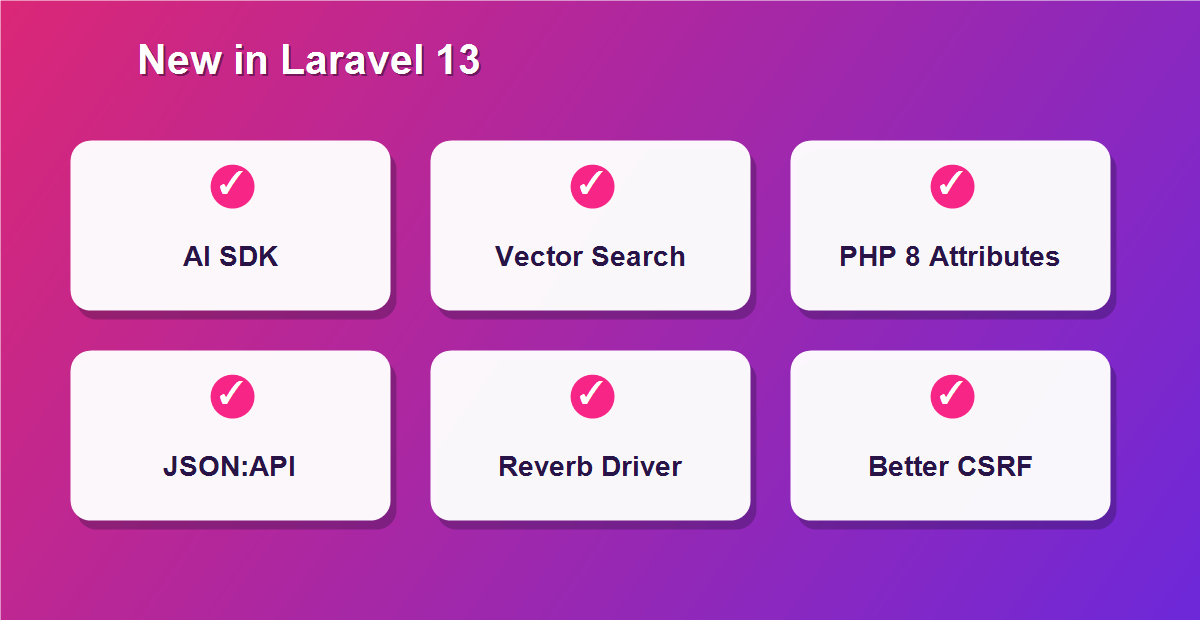
- Laravel AI SDK – a first-party, provider-agnostic API for building chatbots and AI agents.
- Native vector & semantic search – store embeddings and run similarity queries for AI-powered search.
- PHP 8 Attributes & typed Eloquent models – cleaner, more expressive model definitions.
- First-party JSON:API support – build spec-compliant APIs faster.
- Reverb database driver – real-time features without needing Redis.
- Stronger CSRF protection via the new PreventRequestForgery middleware.
How Long Does the Upgrade Take?
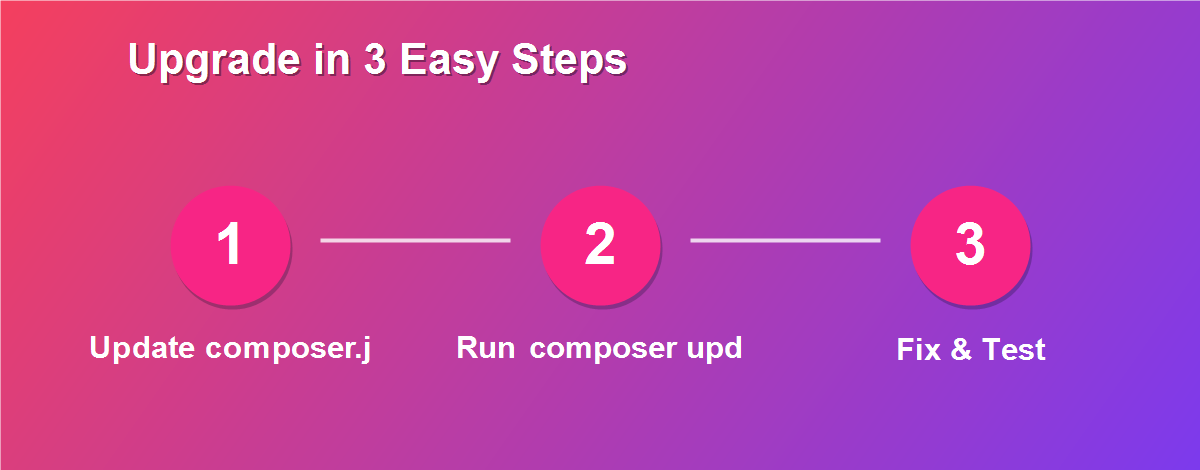
According to Laravel official upgrade guide, the estimated time is just 10 minutes. Laravel documents every possible breaking change, but only a handful are high impact, and most apps are affected by very few of them. That is exactly why the upgrade to Laravel 13 is one of the smoothest in the framework history.
Before You Start
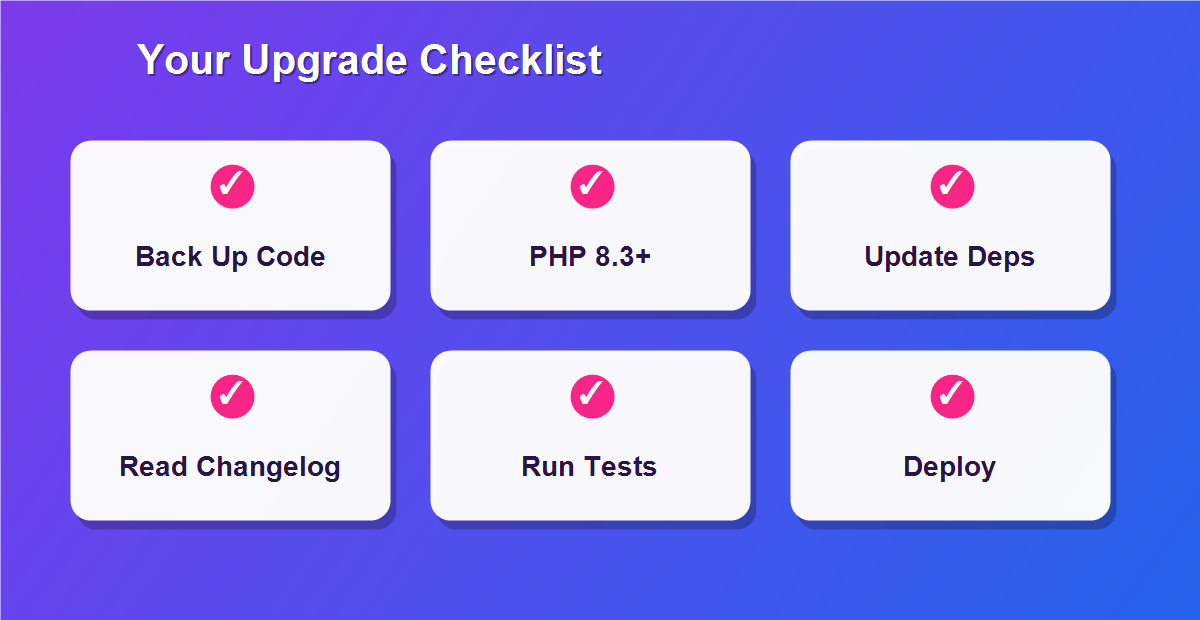
A few minutes of preparation makes the whole process safe:
- Commit your code – create a fresh Git branch so you can roll back instantly if needed.
- Check your PHP version – Laravel 13 requires PHP 8.3 or higher.
- Read the changelog – skim the official upgrade guide for anything specific to your app.
- Have your tests ready – a passing test suite is your safety net.
Step 1: Confirm Your PHP Version
Laravel 13 needs PHP 8.3+. Check your version first:
php -vIf you are on PHP 8.2 or lower, update PHP before you continue. Most managed hosts and tools like Laravel Herd make switching PHP versions a one-click job.
Step 2: Update Your composer.json Dependencies
This is the core of the upgrade. Open composer.json and update these version constraints:
"require": {
    "php": "^8.3",
    "laravel/framework": "^13.0",
    "laravel/tinker": "^3.0"
},
"require-dev": {
    "laravel/boost": "^2.0",
    "pestphp/pest": "^4.0",
    "phpunit/phpunit": "^12.0"
}
These are the packages the official guide flags as high impact. If you use other first-party packages (Sanctum, Horizon, Telescope), bump them to their Laravel 13-compatible releases too.
Step 3: Run the Update
With composer.json updated, pull in the new versions:
composer updateComposer resolves the new dependency tree and installs Laravel 13. If you hit a version conflict, the error will name the package holding you back – update or temporarily remove it, then run the command again.
Step 4: Update the Laravel Installer
If you create new apps with the Laravel installer, update it for Laravel 13 compatibility:
composer global update laravel/installerHerd users should simply update Herd to the latest release, which bundles a compatible installer.
The One High-Impact Change: CSRF Middleware Rename
This is the single change most apps need to act on. Laravel renamed the CSRF middleware from VerifyCsrfToken to PreventRequestForgery, and it now adds request-origin verification using the Sec-Fetch-Site header for stronger protection. The old names remain as deprecated aliases, but you should update any direct references – especially where you exclude the middleware:
use Illuminate\Foundation\Http\Middleware\PreventRequestForgery;

// Laravel 12 and earlier
->withoutMiddleware([VerifyCsrfToken::class]);

// Laravel 13
->withoutMiddleware([PreventRequestForgery::class]);
The middleware configuration API also gains a preventRequestForgery(...) method. Search your codebase for VerifyCsrfToken and update each reference to be safe.
Medium-Impact: The Cache serializable_classes Setting
Laravel 13 hardens cache security. The default cache config now sets serializable_classes to false, which blocks PHP deserialization gadget-chain attacks if your APP_KEY ever leaks. If your app intentionally caches PHP objects, you must allow-list those classes:
// config/cache.php
'serializable_classes' => [
    App\Data\CachedDashboardStats::class,
    App\Support\CachedPricingSnapshot::class,
],
If you only cache arrays and scalars, you can leave this as is.
Medium-Impact: Database upsert Validation
Laravel now throws an InvalidArgumentException if you call upsert() with an empty uniqueBy value, instead of generating invalid SQL. On MySQL and MariaDB the driver ignores uniqueBy and uses the table indexes, but you must still pass a non-empty value to avoid the exception.
Other Breaking Changes to Review
Most of the remaining changes are low impact and will not affect a typical app, but it is worth scanning this list:
- Queue JobAttempted event: the boolean
$event->exceptionOccurredis replaced by$event->exception(a Throwable or null). - QueueBusy event: the
$connectionproperty is renamed to$connectionName. - Cache & session keys: default prefixes now use hyphens (
-cache-) instead of underscores. SetCACHE_PREFIXandSESSION_COOKIEexplicitly to keep old values. - Pagination views: Bootstrap 3 view names changed to
pagination::bootstrap-3. - Container::call: nullable class parameters with a default now resolve to
nullinstead of an instance. - Domain routes: routes with an explicit domain are now matched before non-domain routes.
- Global helpers: a new PHP 8.5 polyfill defines
array_first()/array_last(); preferArr::first()to avoid conflicts with legacy helpers. - Model booting: creating a model instance during its own boot cycle now throws a
LogicException. - Password reset email: the default subject changed to “Reset your password”.
For the low-impact items, a quick project-wide search for the old property or method names is all it takes to confirm you are clear.
Step 5: Run Your Test Suite
Your tests are the fastest way to catch anything the upgrade touched:
php artisan testGreen across the board? You are almost done. If a test fails, the message usually points straight at the breaking change responsible – check it against the list above.
Step 6: Test Manually and Deploy
Beyond automated tests, click through the critical paths of your app – login, forms, payments, and anything using CSRF or queues, since those saw changes. Once you are confident, deploy as usual: push your branch, run composer install --no-dev on the server, run migrations, and clear caches with php artisan optimize:clear.
Bonus: Upgrade With AI (Laravel Boost)
Laravel 13 introduces a genuinely modern shortcut. Laravel Boost is a first-party MCP server that gives your AI assistant guided upgrade prompts. Install it, then run a single slash command in Claude Code, Cursor, or VS Code:
composer require laravel/boost:^2.0 --dev

php artisan boost:install

# then, in your AI editor:
/upgrade-laravel-v13
The assistant walks through each change for you. Prefer a fully automated route? Laravel Shift (laravelshift.com) is a community service that performs the upgrade to Laravel 13 automatically and opens a pull request with the changes.
Common Upgrade Problems and Fixes
- Composer version conflict: a package is not yet Laravel 13-ready – update it, or temporarily remove it and re-run
composer update. - “Class VerifyCsrfToken not found”: update the reference to
PreventRequestForgery. - Cache errors after upgrading: allow-list your cached classes in
serializable_classesor switch to array payloads. - Queue listener breaks: update
$exceptionOccurredto$exceptionand$connectionto$connectionName. - Class not found after update: run
composer dump-autoload.
Should You Upgrade Now?
For most applications, yes. The 10-minute estimate is realistic, the breaking changes are few, and Laravel 13 unlocks the AI SDK and vector search that are quickly becoming standard. Upgrading early also keeps you on a supported release for security fixes. Unless you depend on a package with no Laravel 13 release yet, there is little reason to wait – the upgrade to Laravel 13 pays for itself almost immediately.
Related Laravel Guides
Once you are on Laravel 13, these free DebugSpot tutorials will help you make the most of it:
- Laravel AI Chatbot: The Easy 2026 Guide (Laravel 13 AI SDK)
- How to Search Comma Separated Values In Laravel
- Easily Generate an Admin Panel in Laravel in Just 2 Minutes
- 6 Easy Steps: How to Install and Configure Supervisor for a Laravel Application on Linux
- Easily Ensure At Least One Checkbox is Checked: jQuery Validation Guide
Frequently Asked Questions
How long does it take to upgrade to Laravel 13?
Laravel estimates about 10 minutes for most applications, since only a few breaking changes are high impact.
What PHP version does Laravel 13 need?
Laravel 13 requires PHP 8.3 or higher. Update PHP first if you are on an older version.
Can I upgrade directly from Laravel 11 to 13?
It is smoothest to go 11 to 12 to 13, applying each upgrade guide in turn, but many apps can jump straight if dependencies allow.
What is the biggest breaking change in Laravel 13?
The CSRF middleware rename from VerifyCsrfToken to PreventRequestForgery is the main high-impact change to update.
Will the upgrade break my app?
For most apps, no. Commit your code first, run your tests, and fix any flagged breaking changes – the process is designed to be safe.
Do I need to update my packages too?
Yes. Update laravel/framework, tinker, boost, pest, and phpunit as shown, plus any first-party packages you use.
Can AI help me upgrade?
Yes. Laravel Boost provides an /upgrade-laravel-v13 command for AI editors, and Laravel Shift can automate the whole upgrade.
Is it safe to upgrade a production app?
Upgrade on a branch, run your full test suite and manual checks, then deploy. That workflow makes production upgrades low risk.
Keep Your App Current and Secure
Staying on the latest release is not just about new features – it is about security and long-term support. Older Laravel versions eventually stop receiving security patches, which leaves your application exposed to vulnerabilities that never get fixed. By keeping up with each yearly release, you make every future upgrade smaller and easier, avoid piling up years of breaking changes to tackle all at once, and stay eligible for the latest security fixes and community support. Treat the upgrade to Laravel 13 as part of routine maintenance rather than a one-off project, and your codebase will stay healthy, fast, and ready for whatever the framework introduces next. A little regular upkeep now saves a painful, high-risk rewrite later.
What Is New in Laravel 13: A Closer Look
Before you upgrade, it helps to know what you are getting. Laravel 13 headline feature is the AI SDK, a first-party package for building chatbots and AI agents across OpenAI, Anthropic, Gemini, and more with a single clean API. Alongside it, native vector search lets you store embeddings and run similarity queries. On the developer-experience side, PHP 8 Attributes and typed Eloquent models make your models more expressive. The framework also adds first-party JSON:API support, centralized queue routing with Queue::route(), and the Reverb database driver for real-time broadcasting without Redis. For the complete list of changes, see the official Laravel 13 upgrade guide. Together, these are why the upgrade to Laravel 13 is worth doing sooner rather than later.
Upgrading Your Packages and Starter Kits
The framework is only part of your dependency tree. After bumping laravel/framework, check every other Laravel package you rely on – Sanctum, Horizon, Telescope, Scout, Cashier, and Socialite all ship Laravel 13-compatible releases. If you used an official starter kit, review its 13.x branch on GitHub and sync any changes. Third-party community packages are the most common thing to hold up an upgrade, so if composer update complains, the offending package name will be right there in the error for you to update or replace.
Automate Your Upgrade
If you would rather not do this by hand, two tools help. Laravel Shift is a community service that performs the upgrade to Laravel 13 automatically and opens a pull request with the changes. Laravel Boost gives your AI editor a guided /upgrade-laravel-v13 command that walks through each change for you. Either way, the upgrade becomes almost hands-off, though it is still wise to review and test the result.
Backing Up Before You Upgrade
Never upgrade without a safety net. Create a dedicated Git branch such as upgrade/laravel-13, commit your current state, and, if your app is live, take a database backup too. This means that if anything goes wrong, rolling back is a single command rather than a stressful scramble. Working on a branch also lets you run the full upgrade and test suite in isolation before merging, keeping your main branch stable the entire time.
Cleaning Up Deprecated CSRF References
Because the CSRF change is the most likely to affect real apps, it deserves a second pass. Search your whole project for VerifyCsrfToken – in middleware exclusions, test helpers, and route definitions – and switch each one to PreventRequestForgery. While the deprecated aliases still work, updating now prevents surprises later when they are eventually removed. If you have custom CSRF logic, review how the new Sec-Fetch-Site origin check interacts with it, especially for APIs called from other origins.
What Changed for Queues and Jobs
If your app leans on queues, two small renames matter. The JobAttempted event now exposes the actual exception object via $exception instead of the old boolean $exceptionOccurred, which is more useful for logging and retries. The QueueBusy event renames $connection to $connectionName for consistency. Update any listeners that reference the old names. Queued notifications also now honour the missing-models behaviour more reliably.
A Testing Strategy for a Confident Upgrade
Tests turn an upgrade from a gamble into a routine task. Run your full suite immediately after composer update, and treat each failure as a signpost to a specific breaking change rather than a crisis. If your coverage is thin, prioritize a few high-value tests around authentication, forms, payments, and queues before upgrading, since those areas are where issues surface first. Pest 4 and PHPUnit 12 both come with Laravel 13, so update your test dependencies at the same time as the framework.
Laravel 13 vs Laravel 12: What Actually Changed
Compared to the jump some frameworks demand, Laravel 12 to 13 is deliberately gentle. The public API you write every day – routes, controllers, Eloquent, Blade – is essentially unchanged, which is why the ten-minute estimate holds for most apps. The differences are concentrated in security hardening, a few event and config renames, and a big pile of new opt-in capabilities like the AI SDK. In practice, the upgrade to Laravel 13 feels less like a migration and more like switching on powerful new tools while your existing code keeps working.
Start Your Upgrade to Laravel 13
The upgrade to Laravel 13 is quick, safe, and unlocks powerful new features. Back up your code, update your dependencies, handle the CSRF rename, run your tests, and you are done. Explore more free Laravel tutorials and handy free developer tools from DebugSpot.